JobeBOT Web
Accounts, catalogue, teams, credits, settings, and plan controls.
How JobeBOT Web, WorkSpace, agents, models, and verified project delivery fit together.
Start here
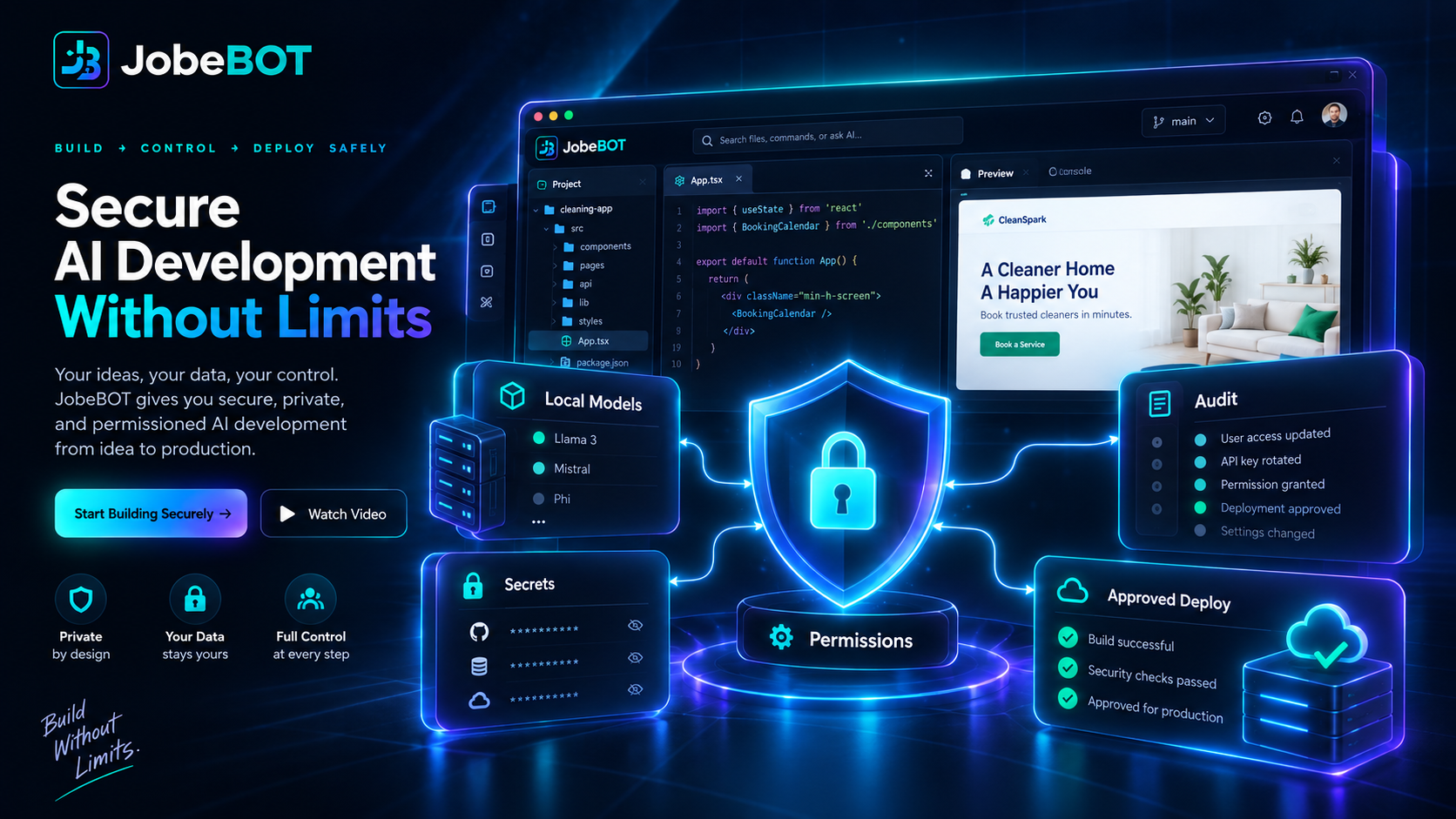
JobeBOT combines the web control plane, a local WorkSpace, and a governed model gateway.
Accounts, catalogue, teams, credits, settings, and plan controls.
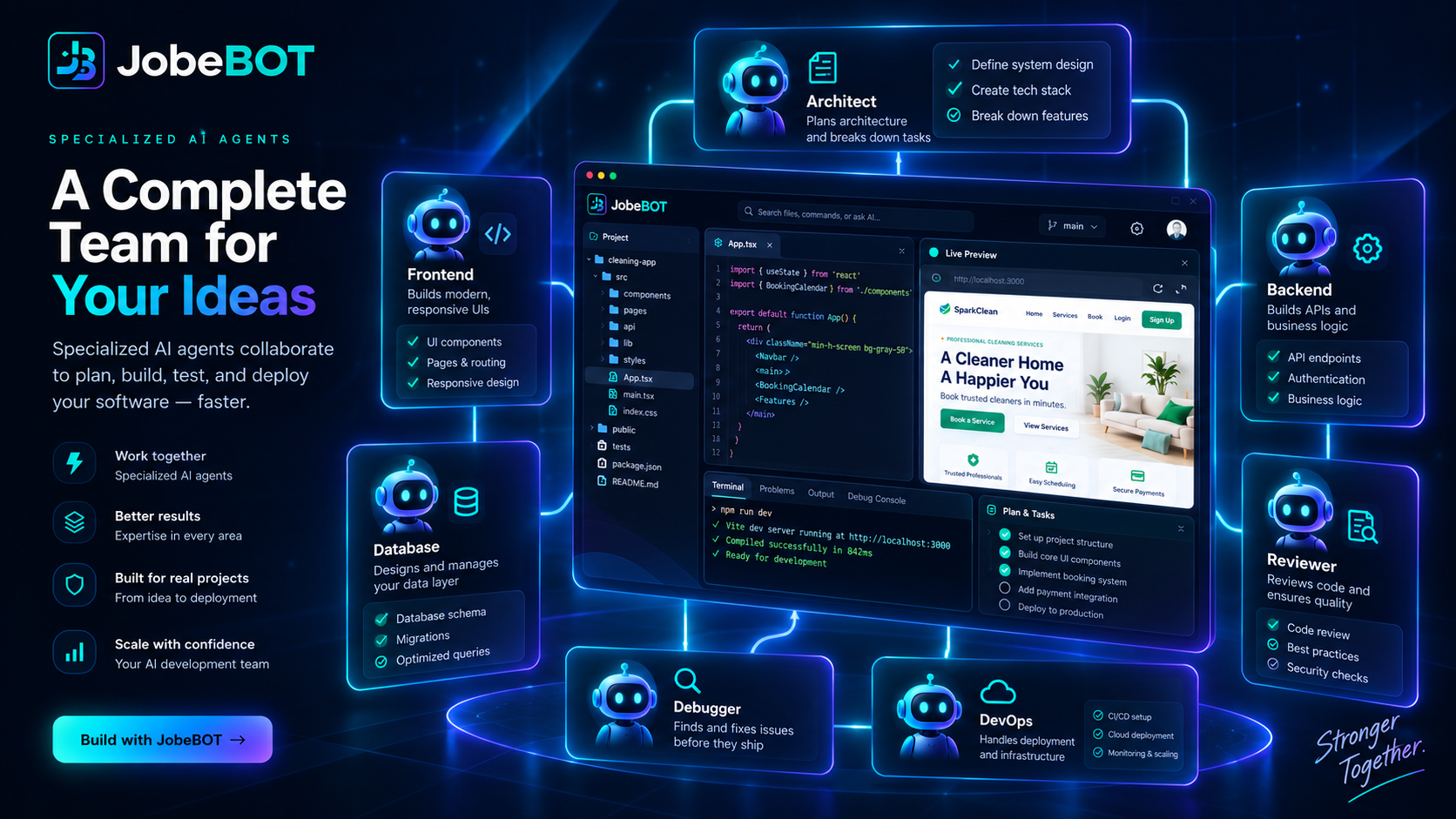
Project files, preview, editor, terminal, agents, diagnostics, and verification.
Local and configured providers with policy, routing, and certification gates.
How it works
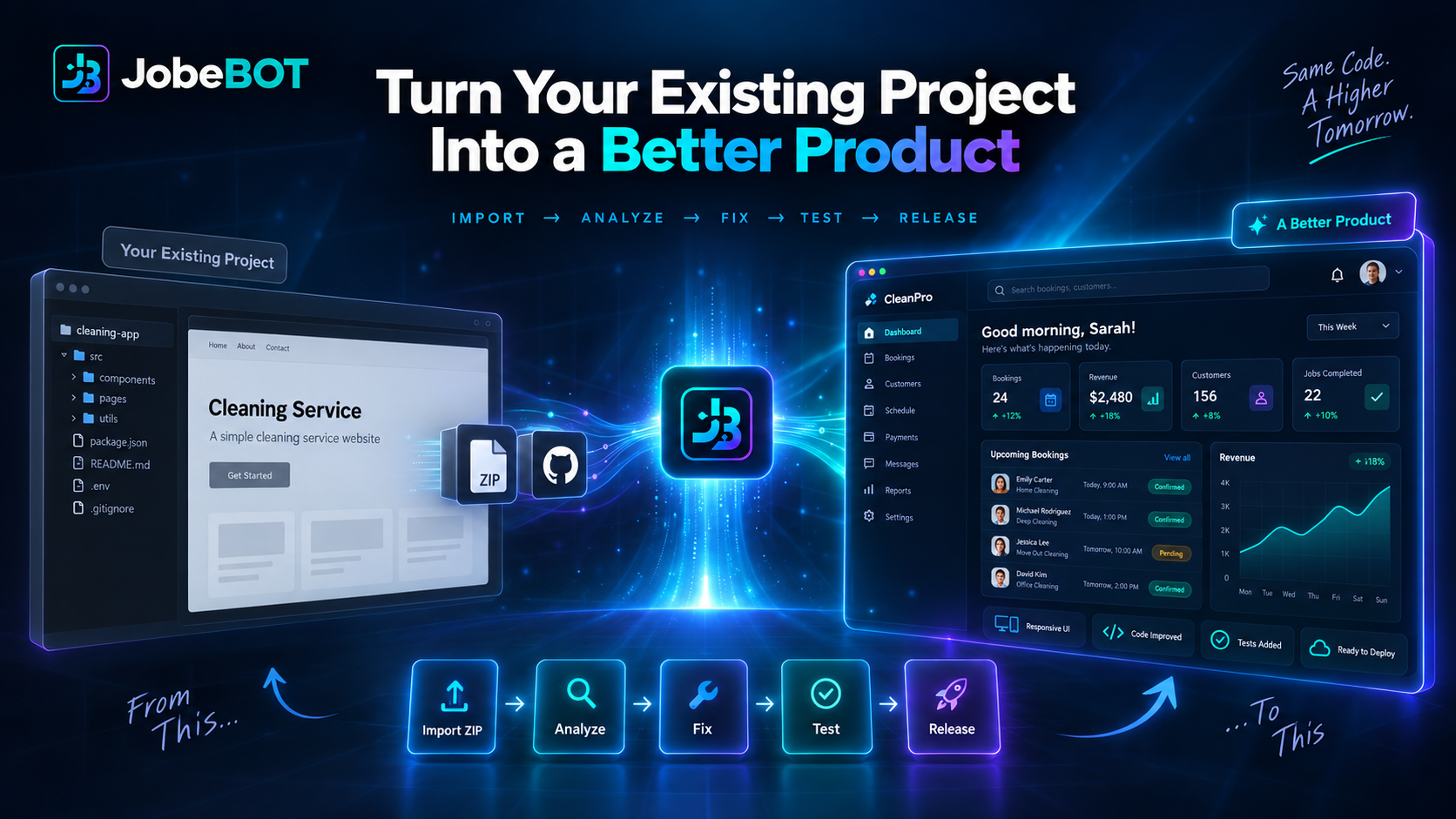
A prompt is classified before action. The selected agent reads the project, plans the change, uses approved tools, and verifies the rendered result.
JobeBOT WorkSpace
WorkSpace is the project-aware execution surface. It keeps the active folder, file tree, preview, browser diagnostics, terminal, agent activity, and completion contract visible together.
Agents and models
Agents coordinate work. Models supply inference. A catalogue entry or successful chat response does not certify autonomous coding.
| Role | Best for | Evidence |
|---|---|---|
| Planner | Breaking down ambiguous work | Current plan tied to the project |
| Coder | Writing files and targeted fixes | Tool calls, read-back, syntax, browser proof |
| Reviewer | Finding risks and missing tests | Findings and line-level evidence |
| Vision reviewer | Inspecting layout and responsive behavior | Rendered screenshots or browser evidence |
Writing files and proving completion
A model response becomes a completed implementation only after the requested behavior exists in the target project and the result is checked.
Common troubleshooting
| Symptom | First check |
|---|---|
| Agent writes prose only | Confirm Agent mode and run a minimal native tool-call probe. |
| Files reported absent | Compare the absolute target path and read back the content. |
| Run stays Working | Inspect provider timeout, cancellation, approval, and transcript state. |
| Preview is stale | Check HTTP status, asset errors, console output, and cache-busting. |
| Model is blocked | Discovery is not certification; read the admission state and evidence. |